ERP software for retail shops
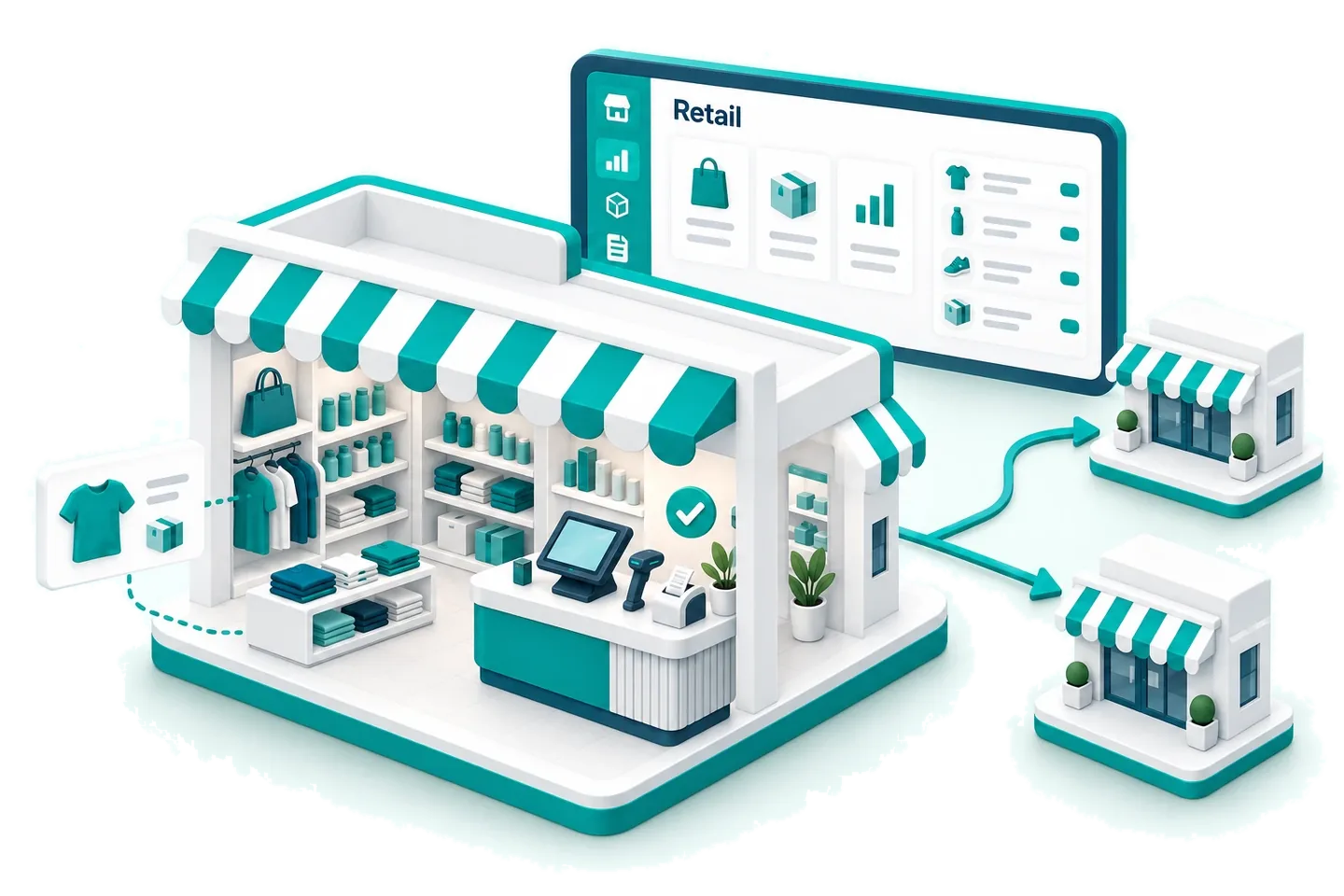
Retail is growing fast - but most shop owners still manage billing on paper, track stock manually, and reconcile accounts at month-end. Biznify connects your POS counter, inventory, and accounting into one cloud system - so every sale updates your stock and books automatically.
The problem
Challenges Retail Shop Owners Face Every Day
End-of-Day Stock Mismatch
Sales records don't match physical stock - leading to losses you can't trace.
Slow Billing at Counter
Manual invoicing creates queues, errors, and unhappy customers during peak hours.
No Branch Visibility
Running 2+ outlets? No way to see combined stock or sales without calling each branch.
Accounting Done Separately
Sales happen at the counter but accounts are updated in a different file, days later.
The answer
How Biznify Solves Retail Business Challenges
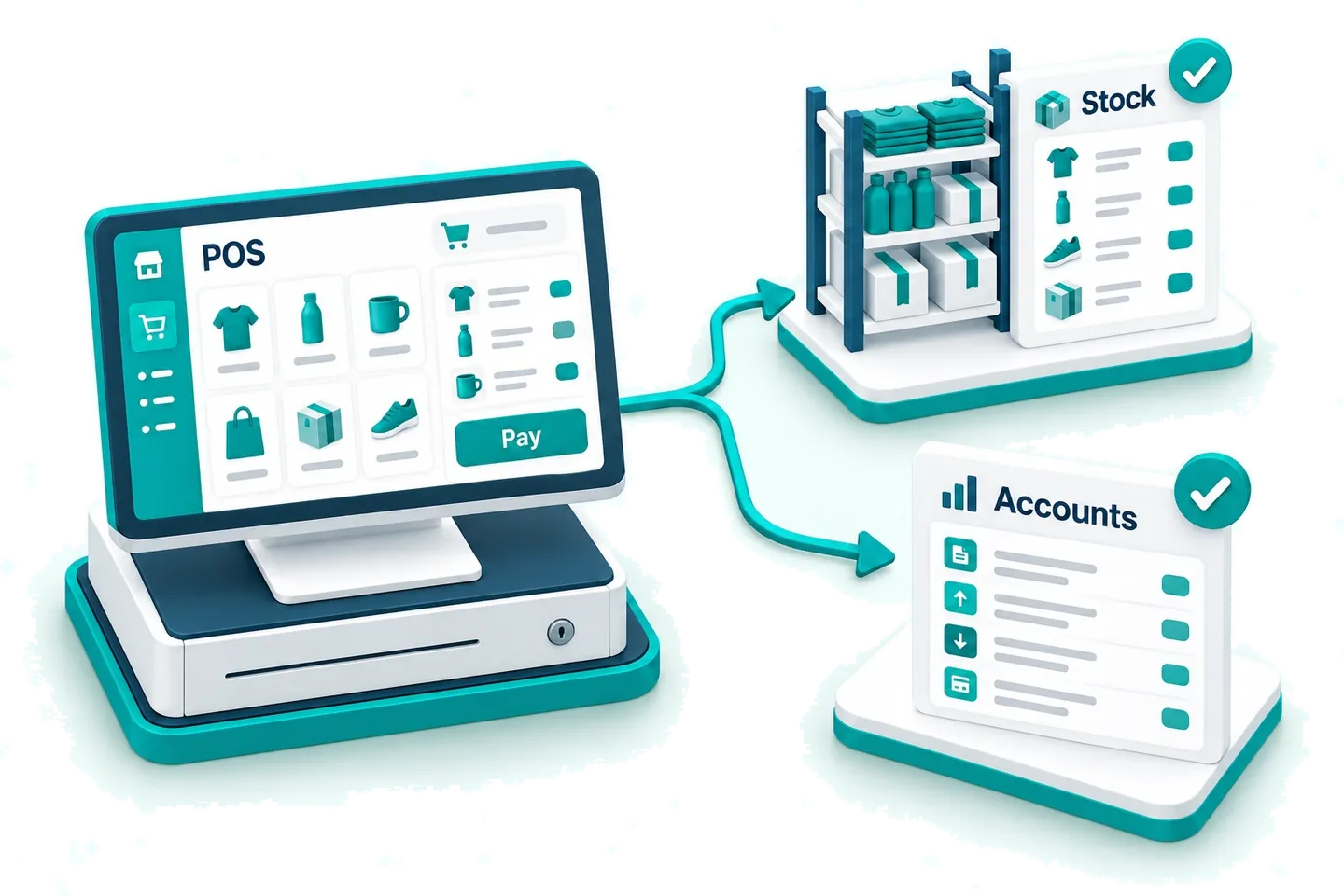
Biznify connects your retail counter to your back office. Every transaction at POS instantly updates inventory and financial records - no double entry, no reconciliation headaches.
- POS + Inventory + Accounts Synced
- Multi-Branch Dashboard
- Works on Any Device
What you would use
What a shop actually uses
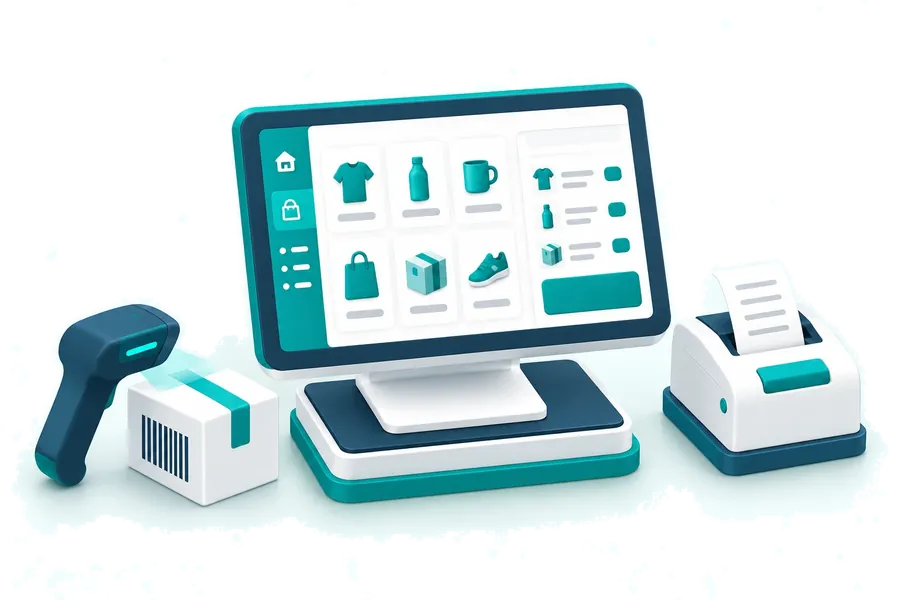
Fast POS Billing
Scan barcodes, apply discounts, process payments, and print receipts in seconds. Every sale auto-deducts stock and records in your accounts.
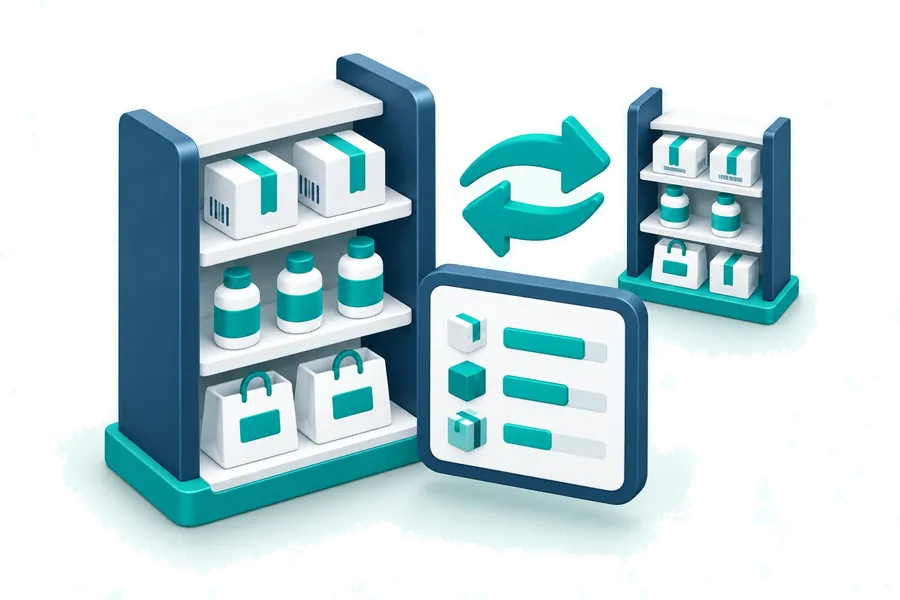
Real-Time Inventory Tracking
Know exact stock at every outlet. Set reorder alerts, manage transfers between branches, and eliminate dead stock.
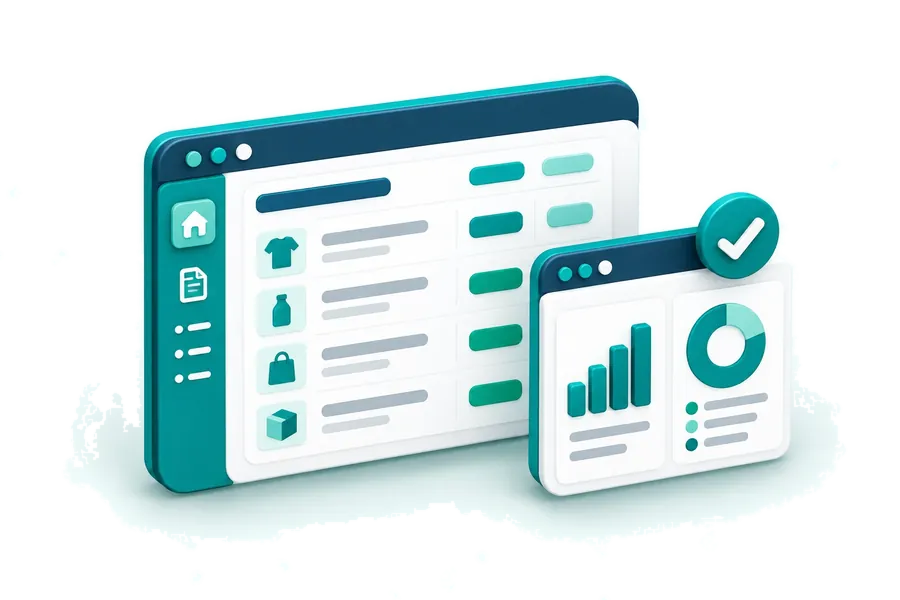
Integrated Accounting
Daily sales flow directly into your books. Generate profit & loss, cash flow, and branch-wise financial reports without manual entry.
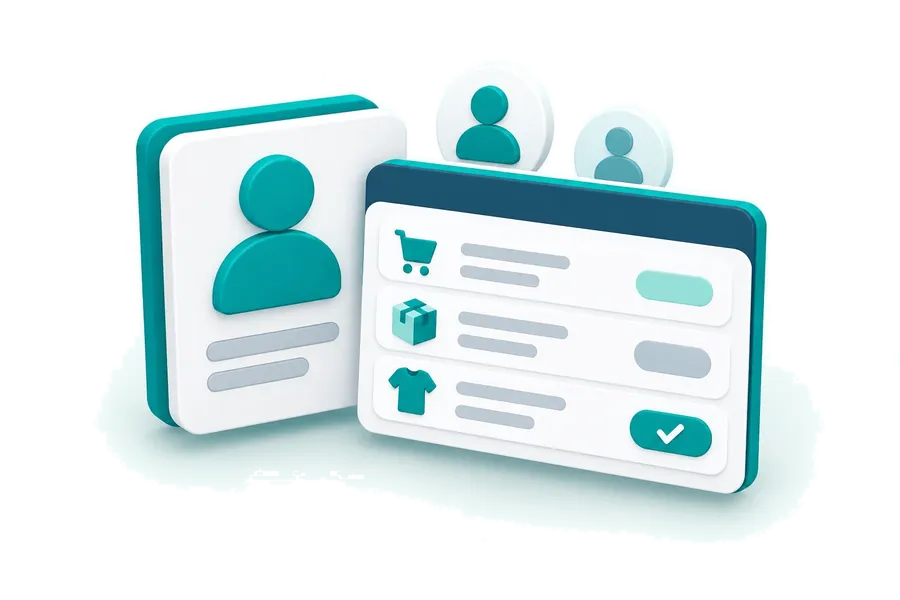
Customer & Sales Management
Keep a ledger for every customer, see what each one owes, and put credit sales against a name rather than in a notebook.
Questions
Frequently Asked Questions
Does it work for multiple retail outlets?
Yes. Manage all branches from one dashboard with per-branch stock, sales, and financial tracking.
Can I track stock across branches in real time?
Yes. See exact stock at every location and transfer products between branches with one click.
Do I need a barcode scanner or special hardware?
No. Biznify works on any device with a browser. Barcode scanners are optional - you can also search products by name.
How does billing sync with accounting?
Every POS sale automatically records the transaction in your books. No manual entry needed.
Can I manage credit sales and customer dues?
Yes. Track customer-wise credit, outstanding balances, and payment history from the CRM module.
Other industries
ERP for every kind of business
- SME BusinessThe whole thing, at a small scale
- Wholesale BusinessBulk pricing, credit and collections
- Distribution & Supply ChainRoutes, vans and delivery to shops
- Manufacturing BusinessRaw material in, finished goods out
- E-commerce BusinessOnline orders beside the shop floor
- Service Based BusinessesBillable work rather than stock