ERP Software for Distribution and Supply Chain
One stock number for the whole company is a number nobody can act on. A distributor needs to know where — and the answer has to survive a transfer that left on Tuesday and arrives on Thursday.
Need it shaped around a workflow of your own? Discuss a custom solution
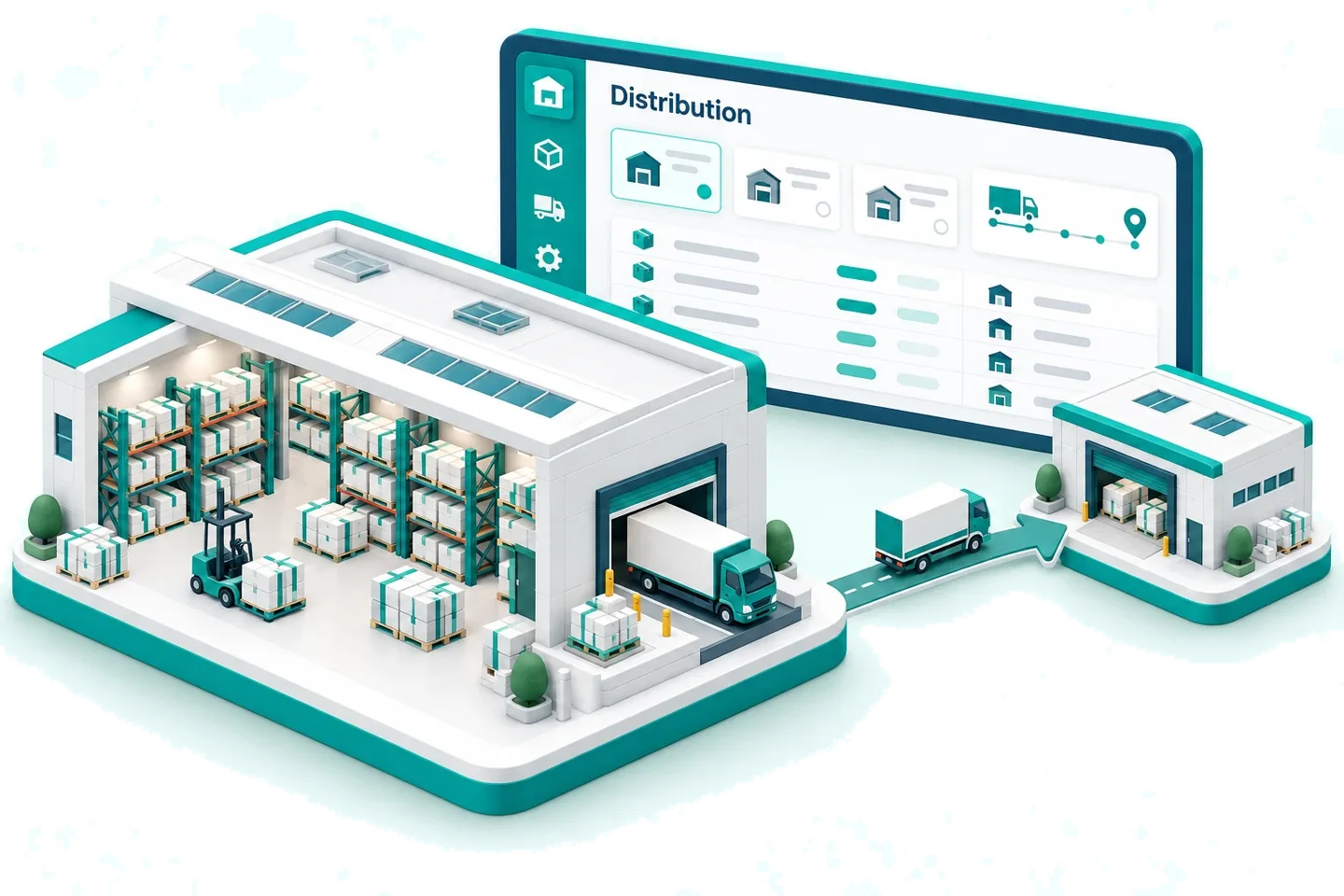
The problem
What goes wrong when stock lives in more than one place
Nobody knows where it is
A company total tells you how many, never which branch. The van is sent to the wrong warehouse and the order is short anyway.
Stock in transit belongs nowhere
Most systems move stock the instant somebody clicks transfer. For two days the goods exist in two places, or in neither.
Branches see the whole company
Without access by warehouse, every branch can read and adjust stock that is not theirs.
Shrinkage with no reason attached
Stock falls and nobody recorded whether it was damaged, stolen or miscounted, so the pattern never shows up.
The answer
How Biznify handles stock across warehouses
Transfers have three states rather than two, stock is addressable down to the bin, and every adjustment has to name a reason before it will save.
- Requested, initiated, received
- Bin-level locations
- Access per warehouse
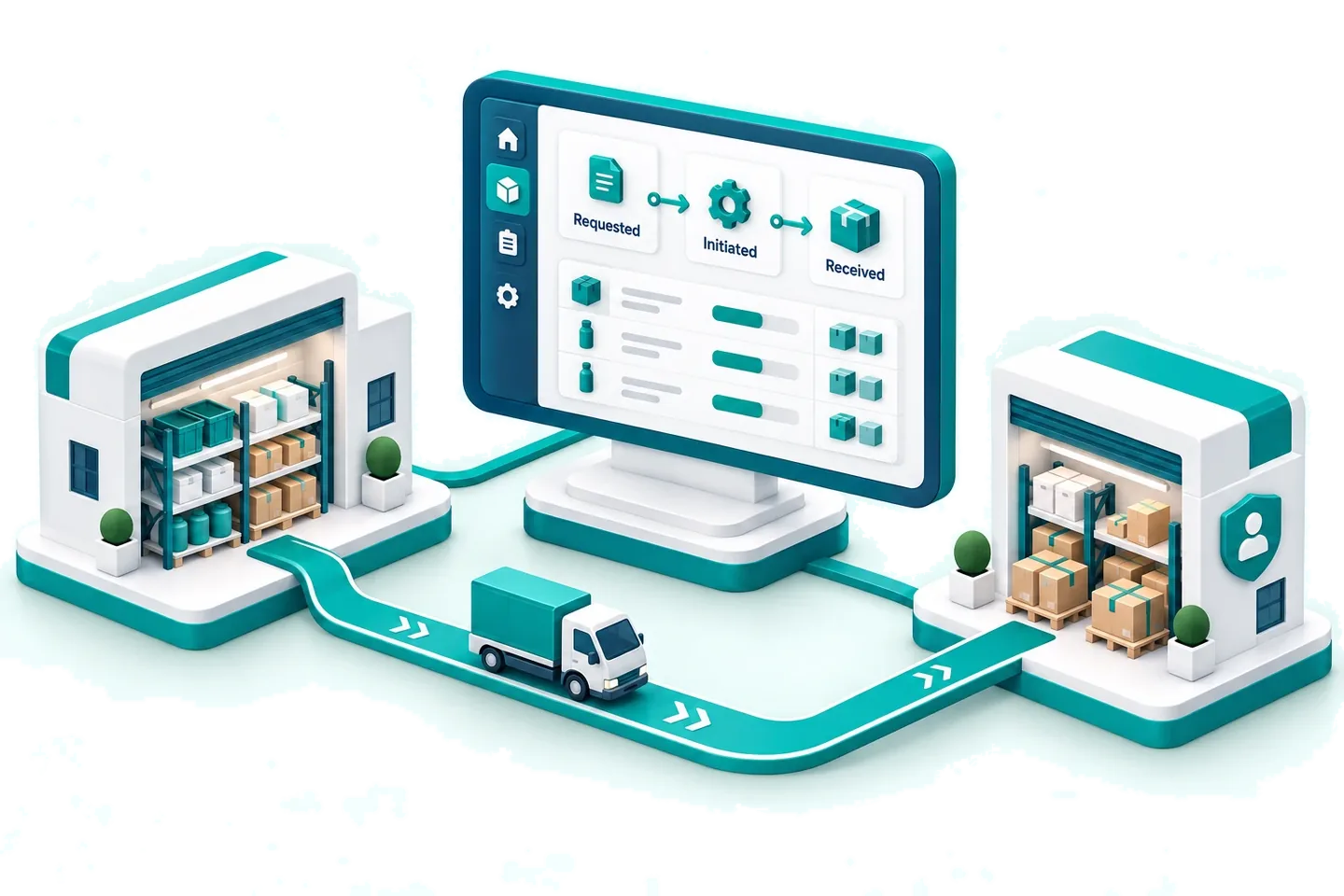
What you would use
Built for stock that moves between places
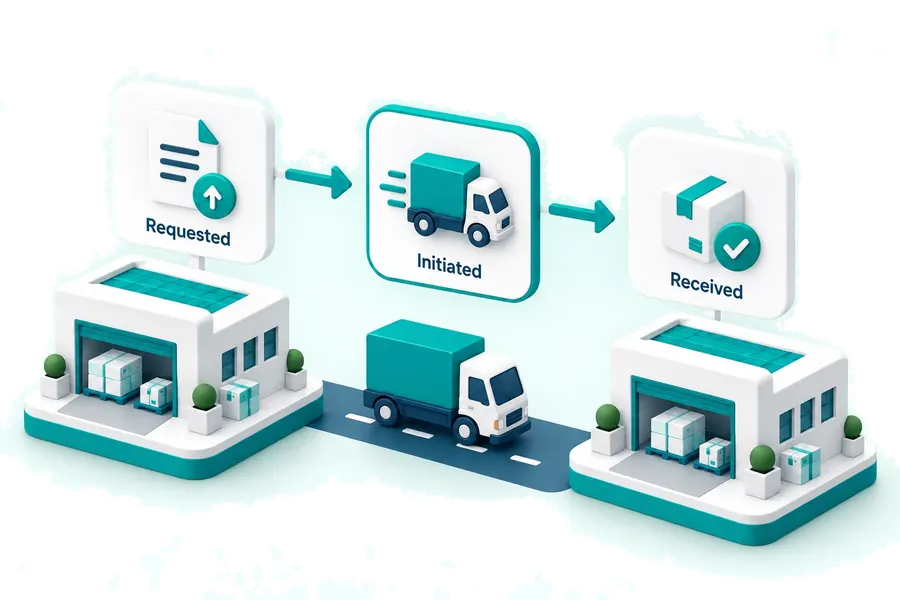
Warehouse transfers with a real lifecycle
Requested, initiated, then received — with a pull request from the receiving side and a push from the sending side, and an inbound queue of what is still in transit.
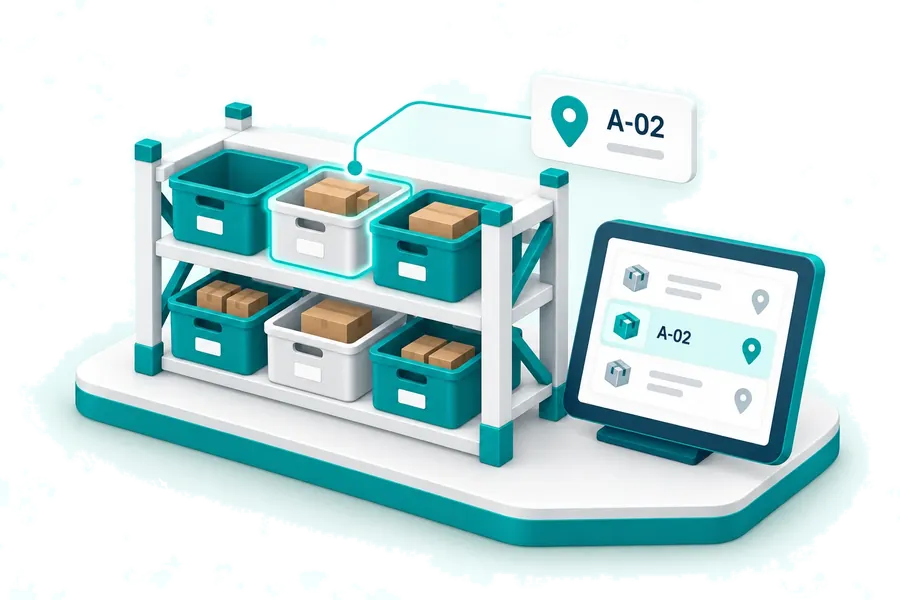
Bin locations inside every warehouse
Stock is addressable to the shelf, and the item stock location report tells a picker which bin to walk to.
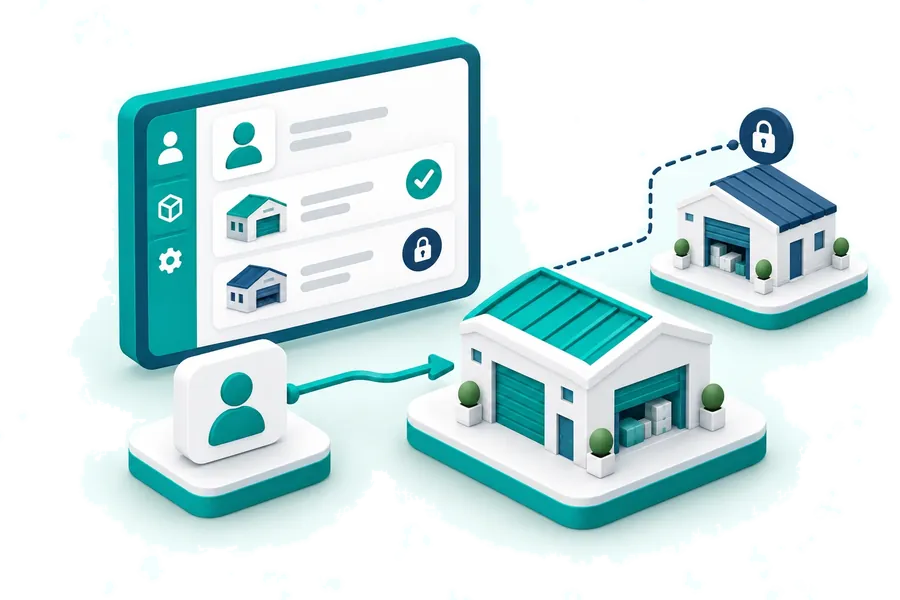
Warehouse access per user
Assign people to the warehouses they work in, so a branch sees its own stock and not the company position.
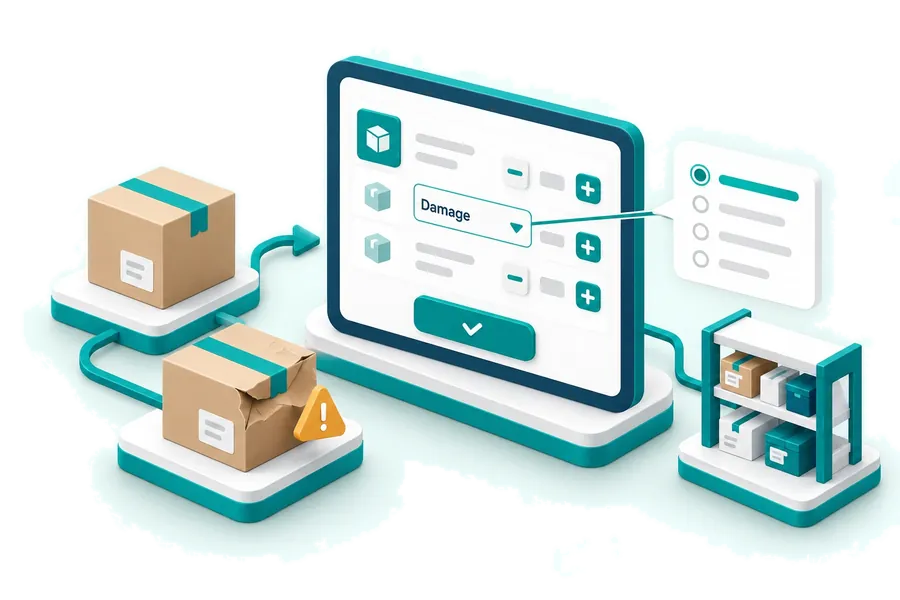
Adjustments that must be explained
Damage, theft, wastage and the rest are a list you control, and every increase or decrease has to pick one.
Questions
Frequently Asked Questions
Can I see stock for one warehouse rather than the whole company?
Yes. The item stock summary filters by warehouse, and users can be assigned to the warehouses they work in so a branch only ever sees its own position.
What happens to stock while a transfer is in transit?
It stays with the sending warehouse until the receiving side records it as received. A transfer is requested, then initiated, then received, and the inbound queue shows everything still on its way.
Can a branch request stock, or only receive it?
Both. A warehouse can raise a request against another warehouse, and a warehouse can push a transfer out. Both end in the same received step.
Does it track batches and serial numbers across warehouses?
Yes. Items can be serialised or batch-managed, and there are batch-wise stock and expiring-batch reports alongside item serial details.
Other industries
ERP for every kind of business
- SME BusinessThe whole thing, at a small scale
- Retail ShopCounter, stock and daily takings
- Wholesale BusinessBulk pricing, credit and collections
- Manufacturing BusinessRaw material in, finished goods out
- E-commerce BusinessOnline orders beside the shop floor
- Service Based BusinessesBillable work rather than stock